Creators
Creator portal
What creators can see and manage in their personal workspace.
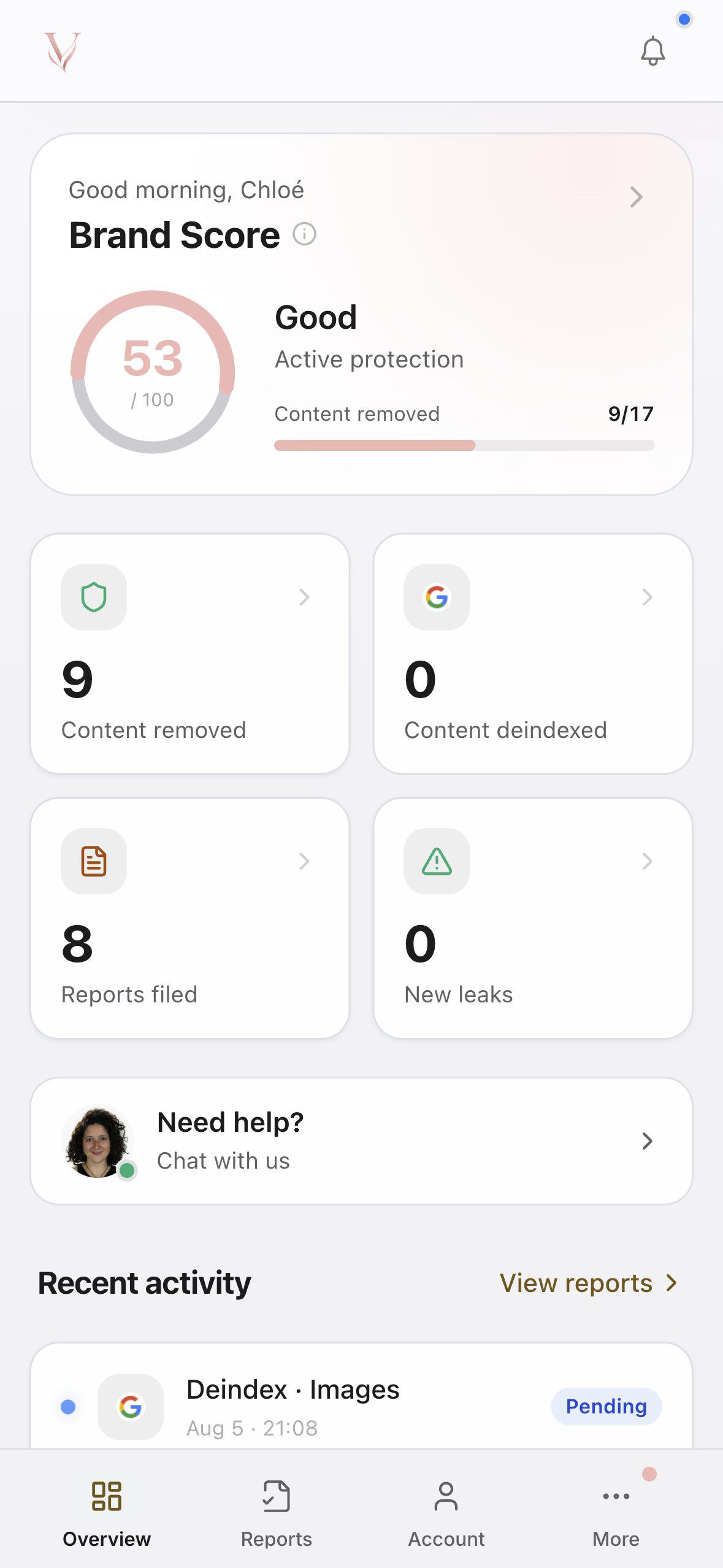
An isolated workspace
Each creator accesses their own workspace. They cannot see the agency’s full roster or another creator’s data. The visual identity shown depends on the agency configuration and active entitlements.
Available information
The dashboard brings together protection indicators, recent activity, and items requiring action. Other screens provide access to authorized cases and reports, support, and profile settings.
Depending on account state, the portal may ask the creator to add official accounts or complete a DMCA authorization before a compatible procedure can begin.
Sign in
The creator uses their email address and the received code. They should open the portal associated with their agency; a code requested in another environment may not lead to the correct workspace.