
Creators
Invite creators
Add a creator and follow their activation journey.
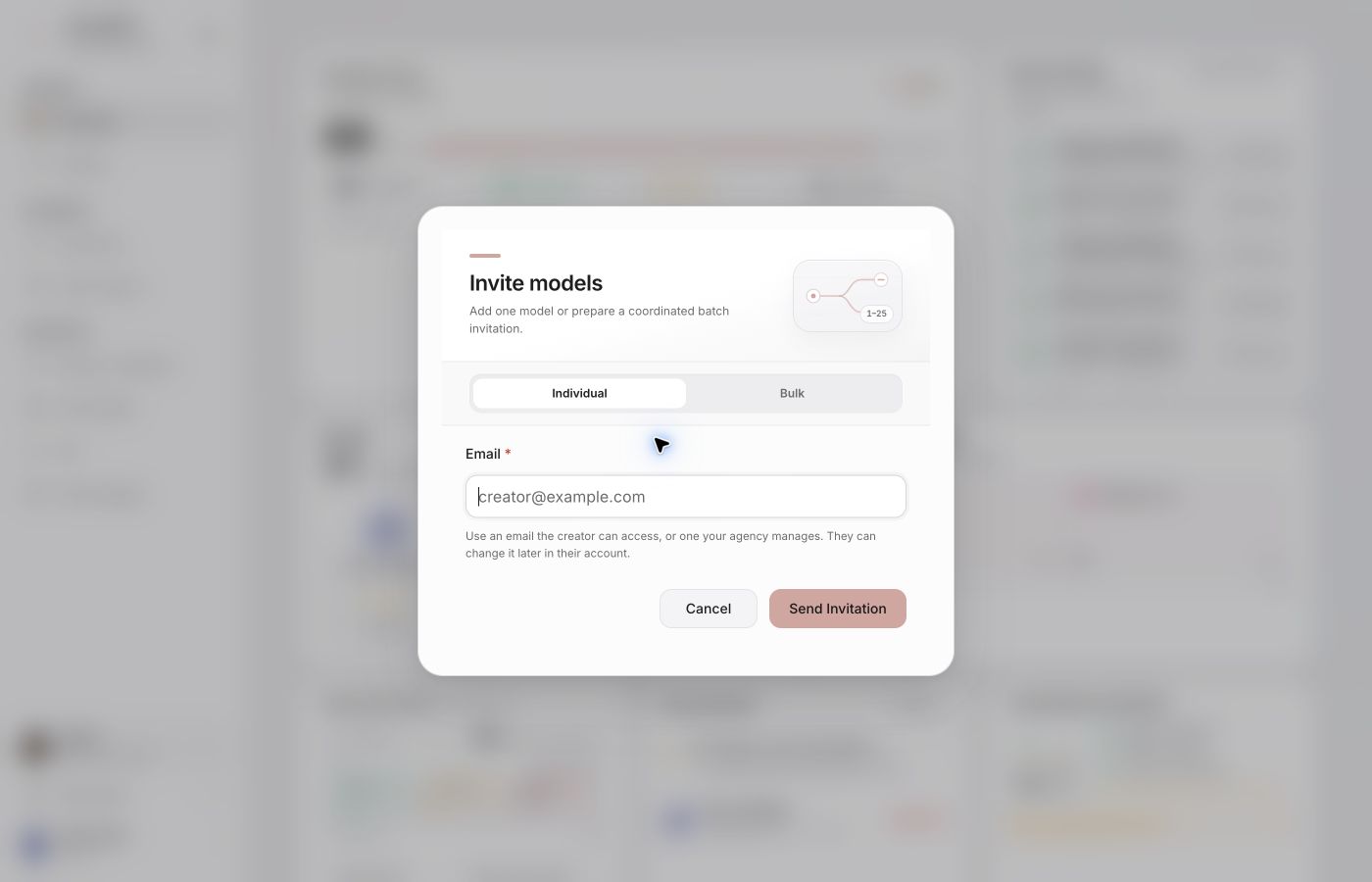
Send an invitation
From the creator roster, choose the add action and enter the creator’s email address. CRD checks agency permissions and available capacity before recording the invitation.
The creator receives access attached to your agency. After accepting, their account is provisioned and they land directly in the portal dashboard.
After acceptance
Missing requirements appear as prompts inside the creator workspace. They may be asked to:
- declare their official accounts and profiles;
- sign or complete their DMCA authorization;
- verify information required for a procedure.
The agency can see these requirements in the creator’s status. Use the roster’s resend action instead of creating a duplicate account.
Agency capacity
With active-creator billing, adding a profile is free and does not start protection. After completed onboarding and approval of their signed authorization, the owner opens Reports → Protection and confirms activation and pricing. Protection becomes active when billing confirms payment or the start of the trial. Scans are then processed in the background. Existing agreements keep their terms until transitioned.