
Your team
Owner & managers
Roles, permissions, and inviting new members of your team.
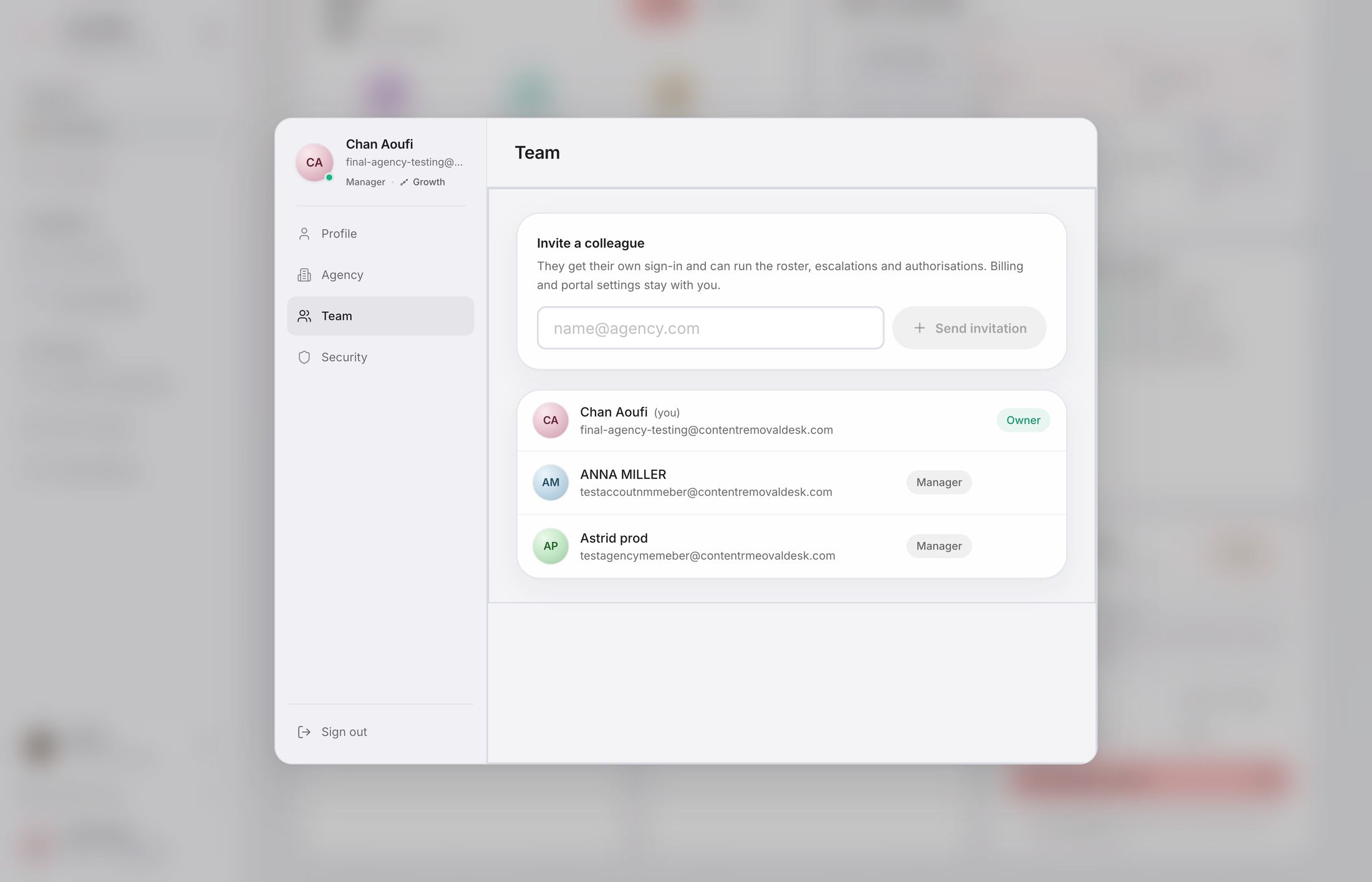
Two team roles
Owner — the account controlling the agency. The owner manages billing, portal settings, and manager invitations.
Manager — a member handling day-to-day work. A manager can follow the creator roster, resend an invitation, and work on cases available to the team. Managers cannot activate or pause paid protection. They cannot take over controls reserved for the owner.
Add a manager
- Sign in with the owner account.
- Open the team settings.
- Enter the member’s email address and send the invitation.
- The recipient uses the passwordless access flow sent by CRD.
Managers do not consume a creator slot. If an invitation is no longer appropriate, the owner can manage its state from the same section.
Still looking for an answer?Contact support