
Domains
Custom sending domain (email)
Send creator invites and reports from your own domain.
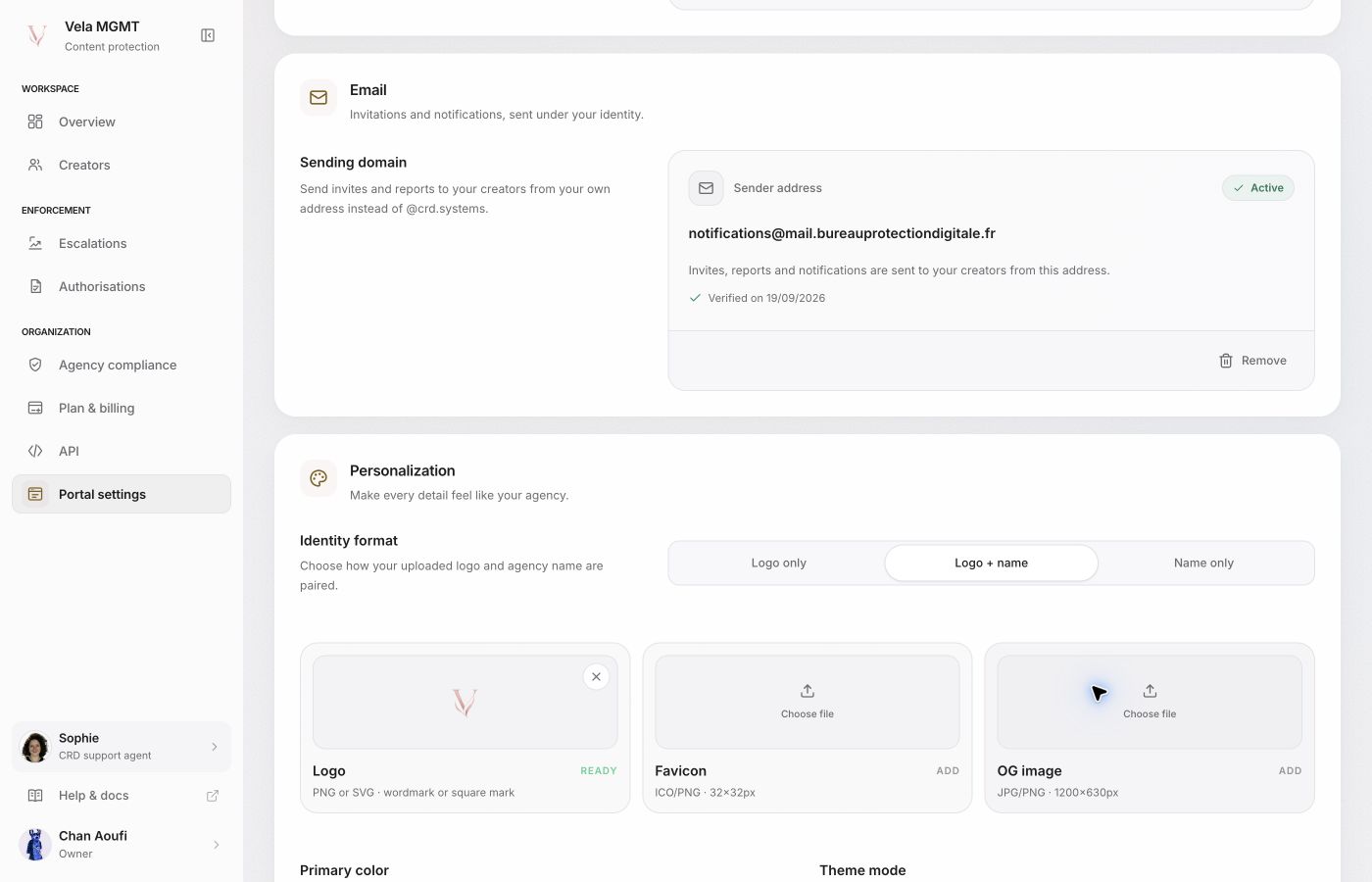
What this domain is for
This domain is used only for emails sent to your creators: invites, reports, and notifications. It is independent of the portal domain (see Set up a custom domain) and has no effect on any other email CRD sends.
Choose the subdomain
Use a dedicated subdomain, for example mail.your-agency.com. The bare root domain is not accepted — the form requires at least one subdomain level.
Connect the domain
In agency settings, under Email, enter the subdomain and click Connect. CRD registers the domain with the sending provider and displays the records to publish. The exact count and type (TXT for SPF and DKIM, sometimes an MX record for bounce handling) depend on your domain — always follow the list shown in the portal rather than a fixed example.
Add the DNS records
Copy each displayed record, with its exact name and value, into the DNS zone that actually manages the domain.
- An MX record also shows a priority (for example 10). Enter that number in your DNS provider's "Priority" field — an MX record with the wrong priority fails verification even when the name and value are correct.
- TXT records have no priority and need nothing further.
Verify
Return to the Email section and click Verify. The status changes to Active once the public records match the expected values.
What changes once verified
Invites, reports, and notifications sent to your creators now come from notifications@ followed by your domain, instead of the generic @crd.systems address. Removing the domain immediately restores the generic address, with no interruption to sending.