
Getting started
Set up your agency
The essential steps for preparing your workspace and starting protection.
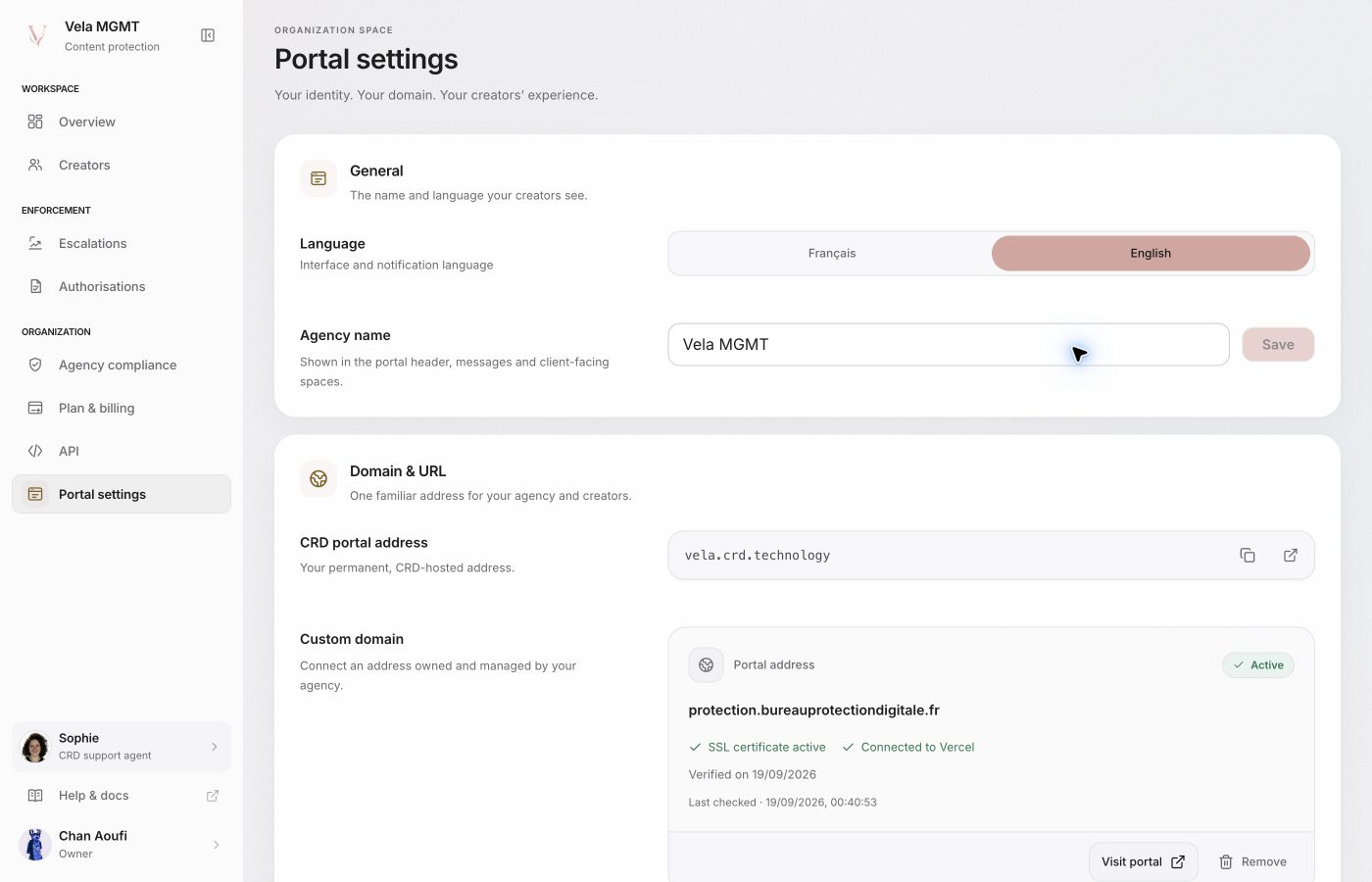
Create the agency workspace
Creation starts with company details and the visual identity of the portal. Once the account exists, the agency can open its dashboard and submit the requested verification material.
Enable protected functions
- Complete the agency details and branding.
- Submit the requested company verification documents.
- After approval, open Legal files and sign the agency agreement shown in the portal.
- Activate the available plan or trial from Billing.
- Invite a creator from the agency roster.
An accepted creator lands directly in their dashboard. Requests for official accounts or a DMCA authorization then appear inside that workspace; they do not prevent the account from being created.
Check before launch
- the company is verified;
- the required agency agreement is signed;
- an active plan or valid trial appears in Billing;
- each creator has added their official accounts;
- the creator’s DMCA authorization is approved where a procedure requires it.
The portal is the reliable source for the state of each requirement. This documentation does not promise a verification or propagation time.
Still looking for an answer?Contact support