
Reporting & actions
Legal escalations
Advance a case when the standard removal route is no longer sufficient.
When to consider escalation
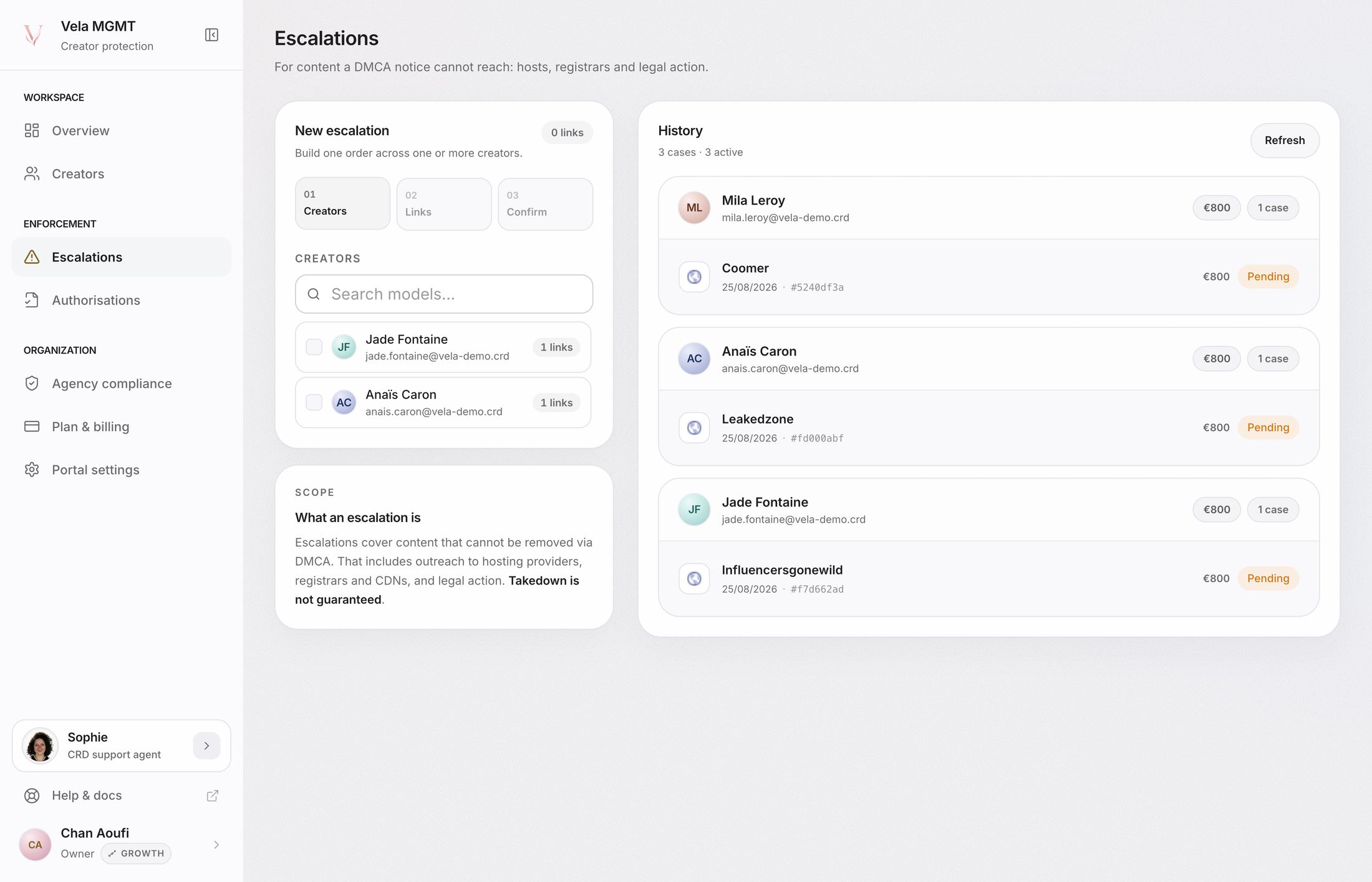
An escalation applies to a case where the standard route did not produce the expected result or can no longer progress. The portal groups URLs by source so the agency decides at site level rather than line by line.
Requirements
The agency must have the required escalation mandate in Legal files. Selected cases, scope, and the applicable price are shown before confirmation.
Process
- Select the affected sources.
- Check the creators and URLs grouped under each source.
- Review the amount calculated in the portal.
- Confirm payment and creation of the legal cases.
- Follow their state from the escalation workspace.
An escalation is never created or charged automatically. Prices and graduated rates shown at confirmation are the current reference.
Still looking for an answer?Contact support