Creators
Accounts & platforms
Declare official accounts and the platforms to exclude for each creator.
Official accounts and whitelist
An official account connects a creator to the public identity they use on a platform. Its username or profile URL acts as a reference when results are qualified and may be included in authorized documents.
Declared profiles are also added to applicable exclusions so CRD does not treat the official address as an unauthorized copy.
You can also add platforms, domains, or URLs to that creator’s whitelist. An active entry is treated as an authorized destination and is not reported as a leak.
Add an account or exclusion
- Open the creator profile from the agency roster.
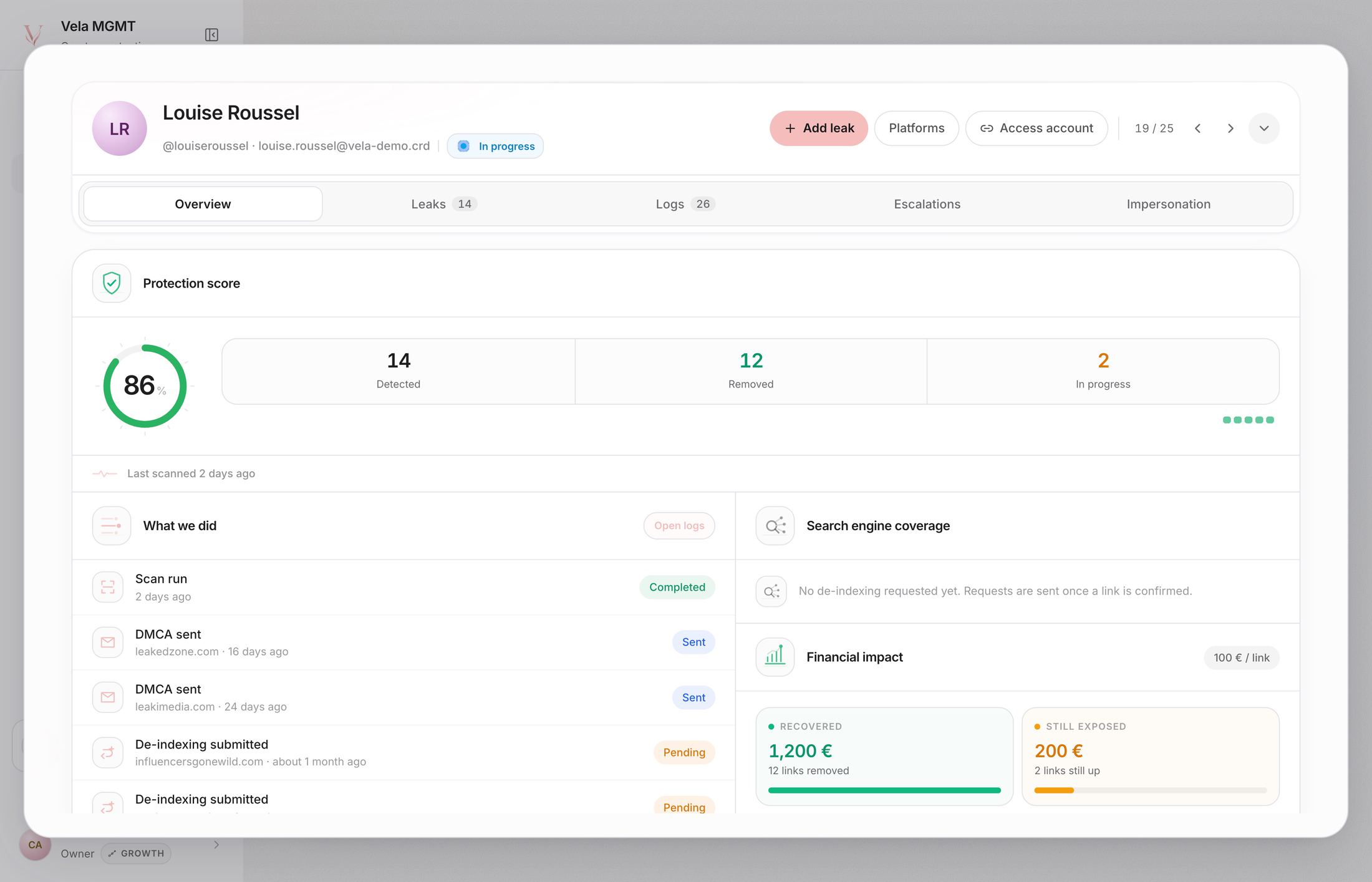
- Select Platforms, circled in the image above.
- Choose Platforms for an official account or Whitelist for an authorized destination.
- Enter the exact username, domain, or public URL.
- Check the preview before saving.
The whitelist belongs to the selected creator. Entries can be enabled, disabled, or corrected from the same panel. For a personal website or custom URL, its domain may be added to the whitelist automatically.